Everyday rituals / usmile D50
A Toothbrush That Sings.
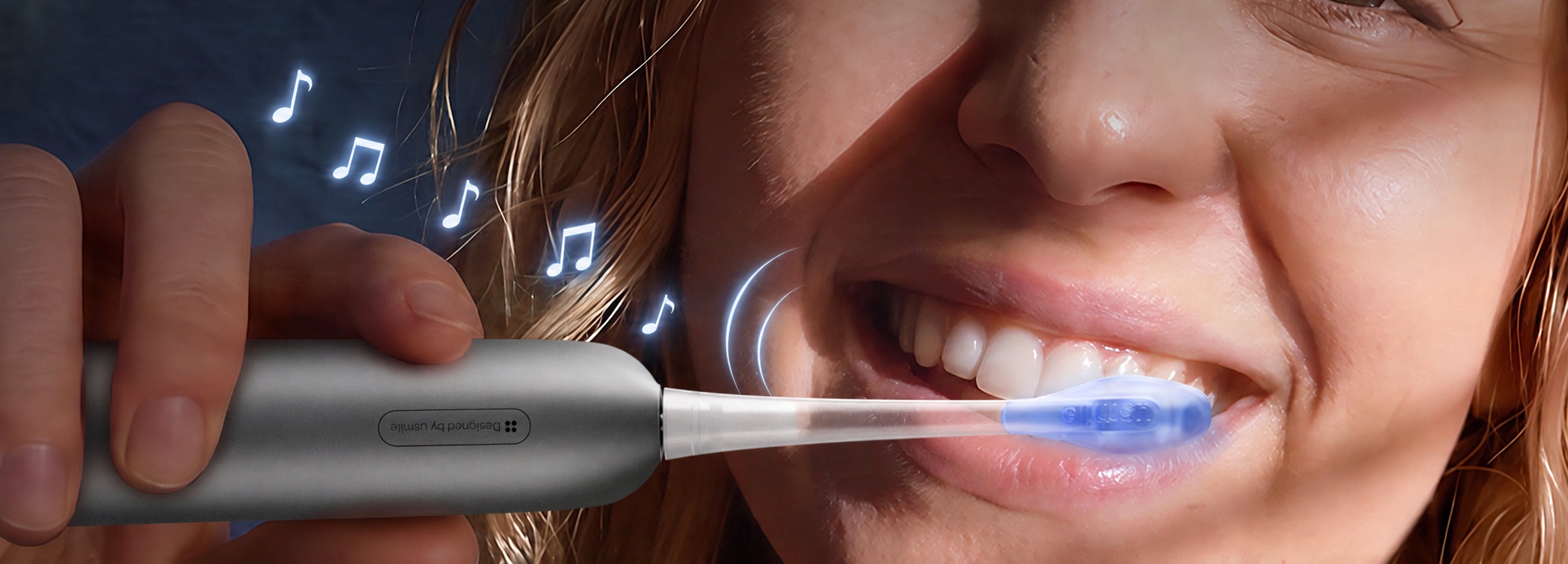
Listen to bone-conduction music while you brush, adding fun to your daily care routine.

A familiar song. A different moment.
That song you never skip?
Bring it to the sink.
Picture your morning: you step up to the sink, still a little sleepy, with the day ahead on your mind. Then a familiar melody begins as you brush. You know every word, and your favorite chorus is coming up.
Maybe it reminds you of a road trip with friends, or it is simply the song you always play again. For a moment, there is more to your morning than getting ready. There is something you enjoy.
Make it yours
How to Add Your Track to D50
Before your first song Update the usmile app and your D50’s firmware to the latest versions to use this feature.
-
Pick a song you love.
Upload a favorite track to the usmile app. Start with a song that always makes you smile.
Upload to the app -
Bring it to your D50.
Follow the steps in the app to download your track to your toothbrush.
Download to your toothbrush -
Enjoy it while you brush.
Start brushing, and D50 plays your downloaded track through bone conduction.
Hear it as you brush
Your questions, answered
A few things
to know.
What is bone conduction?
Bone conduction carries sound to your inner ear as vibrations through bone. D50 uses this technology to play your downloaded track while you brush, making your favorite songs part of the experience.
What do I need before I get started?
Update both the usmile app and your D50’s firmware to the latest versions to use this feature. Then upload a track to the app and follow the steps to download it to your toothbrush. It’s ready to play through bone conduction when you start brushing.
Which audio formats can I upload?
The app supports MP3, M4A, WAV, FLAC, AAC, and more.
Full supported list: MP3, M4A, WAV, AMR, AWB, WMA, OGG, AAC, MKA, FLAC, RA, 3GPA, MID, SMF, IMY, APE, 3G2, RTTTL, MPGA, XMF, DCF, QY2, QY3, VIVID, and SHIRE.
How long can each track be?
Each audio file must be 4 minutes or less. If your song is longer, trim it to your favorite section before uploading.
Why won’t the app recognize my audio file?
Some audio downloaded from other services, including paid downloads, may be encrypted and can’t be recognized by the app. Check that your file is unencrypted, uses a supported format, and is no longer than 4 minutes.
Should I brush until the song ends?
Let the soundtrack accompany your routine. Follow the brushing time and technique in your D50 instructions; the length of your song doesn’t determine how long to brush.
Meet the usmile D50